Writing a module
This walkthrough builds a real module, end to end: managing a library. A catalogue, the physical copies, the members, the loans and their lifecycle.
By the end it will have tables, an API, seven kinds of screen, permissions, translations, a state machine, and it will package up to be installed elsewhere.
You will write no frontend code at all.
What we are building
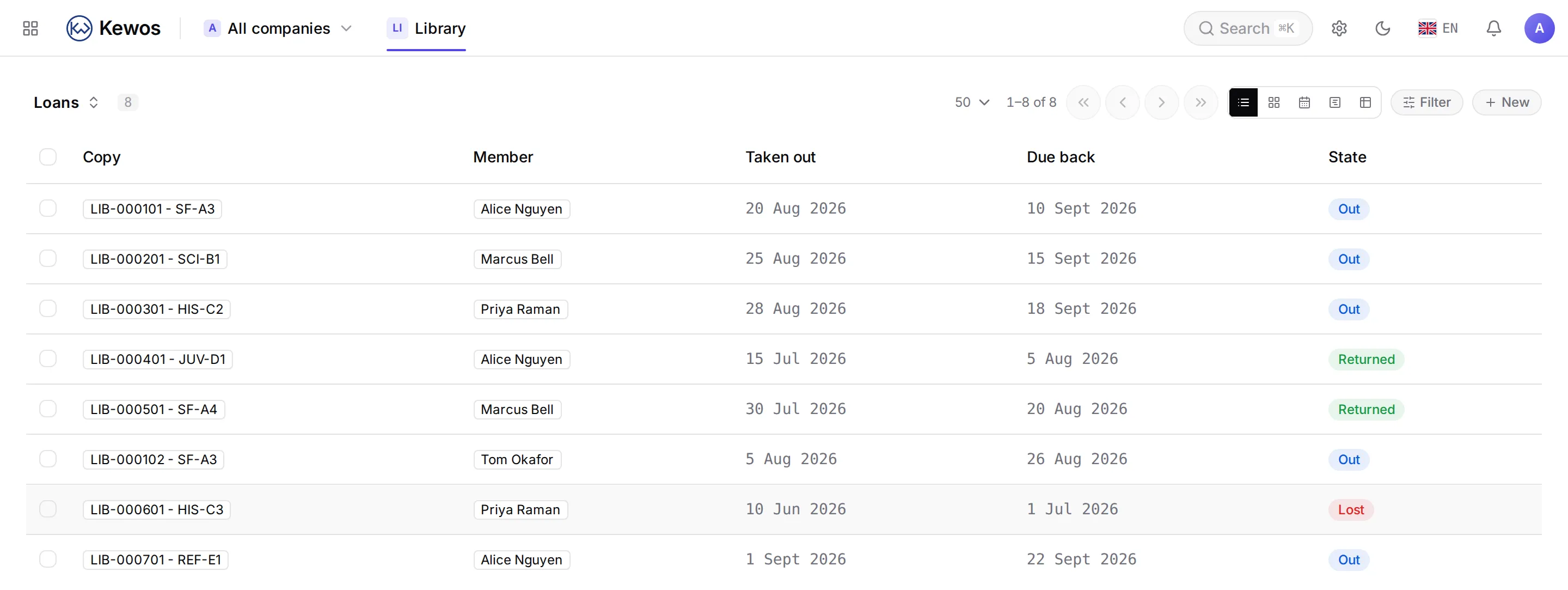
Four entities that answer each other:
| Model | What it is |
|---|---|
library_title | The work. Dune, its author, its ISBN, its genre. |
library_copy | The physical object on the shelf, with its barcode and its shelf mark. |
library_member | Someone allowed to borrow. |
library_loan | One copy, out with one member, for a period. |
Telling the work from the copy is not modelling flourish: a library owns three copies of the same book and lends them independently. The barcode belongs to the object, the ISBN to the work.
The steps
| 1 | The module | The skeleton, the manifest, the entry point. |
| 2 | The data | Models, fields, relations, computed values. |
| 3 | The screens | The eight view kinds, and what each one does. |
| 4 | Making it visible | The step people skip, and why the module cannot be found. |
| 5 | Translating | Why the translation file is not optional. |
| 6 | The rights | Who sees what, down to the field. |
| 7 | The states | A lifecycle, its transitions, and the buttons that follow. |
| 8 | Artificial intelligence | Calling a model from your module, properly. |
| 9 | Reading a document | A delivery note goes in, ISBNs come out. |
| 10 | PDF documents | A loan receipt, printed from the screen. |
| 11 | Reacting | Mail, notification, event, numbering. |
| 12 | Automating | The same rule with no code, in the visual engine. |
| 13 | Files | Upload, version, attach, discard. |
| 14 | Shipping | Package it, sign it, install it elsewhere. |
What you need
A working Kewos installation and write access to its modules/ directory. A local
installation is enough to develop; the commands in this walkthrough run there as they are.